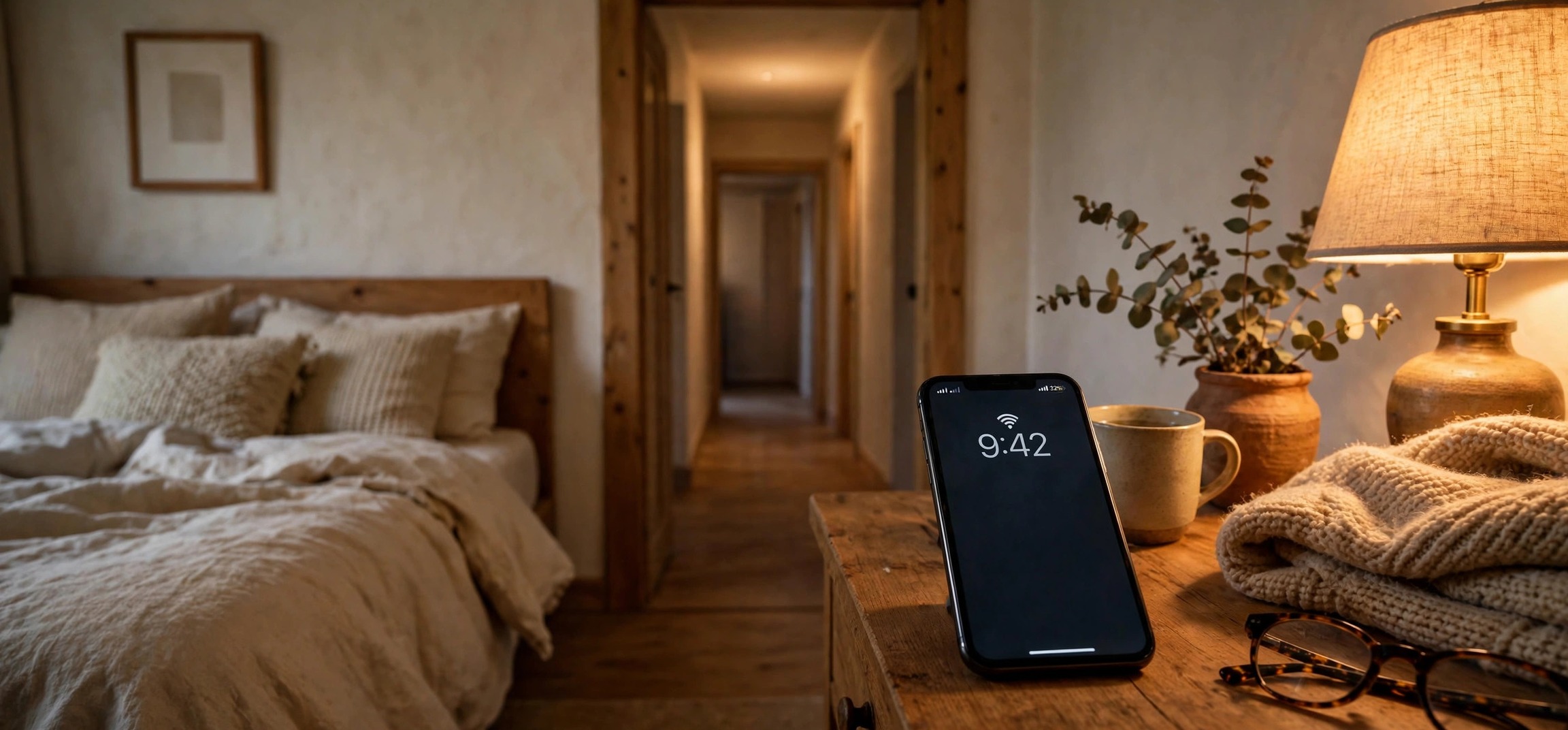
Learning how to improve WiFi signal in your bedroom without an extender is mostly about making better use of the router you already own. A weak bedroom signal is rarely a bandwidth problem — it is a distance, obstruction, and interference problem. Walls, floors, and metal objects eat radio signal, and a router tucked behind the TV in the living room often cannot push a strong connection to the far corner of the bedroom. Before you spend money on extenders or mesh systems, try these nine free or nearly free tweaks. They work because they attack the real causes of weak signal.
Table of Contents
- 1. Move the Router Closer to the Bedroom
- 2. Elevate the Router and Clear Its Surroundings
- 3. Adjust the Router’s Antennas
- 4. Switch to the 2.4 GHz Band for Range
- 5. Change the WiFi Channel
- 6. Update the Router’s Firmware
- 7. Remove Sources of Interference
- 8. Optimize Your Bedroom Devices
- 9. Try a DIY Signal Reflector
- Frequently Asked Questions
1. Move the Router Closer to the Bedroom
The single biggest factor in bedroom WiFi strength is distance from the router, followed closely by what sits between the two. If your router lives in the living room behind the entertainment unit, moving it even a few meters toward the bedroom side of the apartment can make a dramatic difference.
The ideal spot is as central as possible — roughly equidistant between where you use WiFi most. If the router must stay near the modem connection, at least get it out from behind furniture. A router inside a cabinet or behind a TV loses a large chunk of its signal to the enclosure alone. Walls matter too: WiFi passes through drywall and wood reasonably well, but brick, concrete, and especially metal (mirrors, filing cabinets, refrigerators) block it aggressively. Map the straight line from your router to your bed and remove or reroute around the worst obstacles.
2. Elevate the Router and Clear Its Surroundings
WiFi signals spread outward and slightly downward from the router’s antennas, so a router sitting on the floor is wasting half its coverage into the ground. Place it at least a meter off the floor — on a shelf, a bookcase, or mounted on the wall. This one change costs nothing and often adds a bar or two of signal in distant rooms.
Also give the router breathing room. Do not stack books, boxes, or gadgets on top of it, and keep it away from the back of a metal TV stand. Heat is a secondary concern: routers that overheat inside closed cabinets can throttle their own radios, so ventilation helps performance as well as signal.
3. Adjust the Router’s Antennas
If your router has external antennas, their position matters more than most people realize. A vertical antenna broadcasts signal horizontally (great for a single-floor home), while a horizontal antenna pushes signal up and down (useful if the bedroom is on another floor). For a typical flat where the bedroom is on the same floor, point all antennas straight up.
If the bedroom is upstairs or downstairs, tilt one antenna to about 45 degrees or horizontal so some signal travels vertically. On routers with three or four antennas, mix the angles — vertical, 45 degrees, horizontal — to cover multiple planes. Small adjustment, measurable difference.
4. Switch to the 2.4 GHz Band for Range
Modern routers broadcast two bands: 5 GHz (fast, short range) and 2.4 GHz (slower, much longer range and better at passing through walls). If your phone or laptop in the bedroom is clinging to a weak 5 GHz signal, switching to the 2.4 GHz network can transform the experience.
Check your WiFi network names: many routers show separate names like “HomeWiFi” and “HomeWiFi_5G”. In the bedroom, connect to the one without the 5G suffix. Yes, the top speed is lower — but a stable 40 Mbps on 2.4 GHz beats a stuttering 5 GHz connection that keeps dropping. For video calls, streaming, and browsing in bed, the 2.4 GHz band is more than enough, and its superior wall penetration is exactly what a distant bedroom needs.
If your router merges both bands under one name (band steering), look in the router’s settings for an option to split them, or check whether your device lets you prefer one band. Some devices also just need a nudge: forgetting the network and reconnecting sometimes lands you on the stronger band.
5. Change the WiFi Channel
In apartments and dense housing, your neighbors’ routers fight yours on the same radio channels, and the interference murders range and speed. This is especially bad on the 2.4 GHz band, which has only three non-overlapping channels (1, 6, and 11).
Use a free WiFi analyzer app on your phone — stand in the bedroom and scan. It shows which channels are crowded and which are quiet. Then log into your router’s admin page (usually at an address like 192.168.1.1), find the wireless settings, and switch the 2.4 GHz channel to the least congested of 1, 6, or 11. On 5 GHz there are many more channels, so pick the emptiest one the scan shows. Set the channel manually rather than “Auto” — some routers on Auto sit on a crowded channel for weeks.
While you are in the router settings, check the channel width too. On 2.4 GHz, 20 MHz width reaches further and suffers less interference than 40 MHz in crowded areas. Narrower can mean stronger at distance.
6. Update the Router’s Firmware
Router manufacturers quietly fix radio performance, stability bugs, and security holes in firmware updates — and most routers never get updated because nobody thinks to check. An old firmware can mean your router is running years-old WiFi drivers with known range and stability issues.
Log into the admin page and look for a Firmware Update or Administration section. Many modern routers can check and install updates automatically — turn that on. After updating, reboot the router and re-test the bedroom signal. It is a five-minute job that is easy to forget and occasionally the whole fix.
7. Remove Sources of Interference
Several common household devices broadcast on or near the 2.4 GHz band and can drown out your WiFi in the bedroom. The worst offenders: microwave ovens (a running microwave can nuke a 2.4 GHz connection entirely), older cordless phones, baby monitors, and some Bluetooth devices. If your bedroom WiFi dies every evening at dinner time, the kitchen microwave between the router and the bedroom is a prime suspect.
Metal and water also absorb WiFi. A large mirror on the bedroom wall, a metal bed frame, or even a big aquarium between the router and your devices can weaken the signal noticeably. You do not need to redecorate — just be aware of what the signal passes through, and shift the router or the worst offenders a little. If interference is unavoidable, the 5 GHz band is immune to microwave interference (though its range is shorter), and switching bands per the earlier step can help.
8. Optimize Your Bedroom Devices
Sometimes the router is fine and the receiving device is the weak link. Older phones and laptops have weaker WiFi radios than new ones — if one device struggles in the bedroom while others are fine, the device is the problem, not the network. Our guide on fixing slow WiFi on one device only walks through device-side fixes in detail.
Quick wins on the device side: update the phone or laptop’s OS and WiFi drivers, forget the network and reconnect fresh, and turn off any VPN while testing (VPNs add overhead that a weak signal makes worse). On laptops, check the WiFi adapter’s power settings — Windows’ power-saving mode can throttle the radio, which matters most exactly when the signal is weak. Also close background apps that sync or stream, since they compete for the limited bandwidth a distant room provides.
If your laptop shows “connected, no internet” in the bedroom specifically, the signal may be too weak to complete the handshake — see our no-internet fix guide for the network-side steps.
9. Try a DIY Signal Reflector
This sounds like a hack, but it genuinely works: a curved sheet of aluminum foil behind the router’s antennas reflects signal forward instead of letting it spread uselessly behind the router. Cut a piece of cardboard, cover one side with foil, curve it, and stand it behind the router with the foil side facing the bedroom. It will not double your speed, but in the target direction you can gain a noticeable bump.
A cleaner version: a metal colander or a cut-open soda can slipped over an antenna acts as a parabolic-ish reflector. These tricks are free, take five minutes, and are worth trying before you spend anything. If even the reflector is not enough, that is the point where an extender, powerline adapter, or mesh node actually earns its price — but most bedrooms get fixed long before that.
Frequently Asked Questions
How can I improve WiFi signal in my bedroom without buying an extender?
Start with placement: move the router closer to the bedroom, elevate it off the floor, and point its antennas correctly. Then switch your bedroom devices to the 2.4 GHz band, which travels further through walls, and change to a less congested WiFi channel. Updating router firmware and removing interference sources like microwaves round out the free fixes that solve most weak-bedroom-signal problems.
Why is my WiFi weak only in the bedroom?
Distance plus obstructions. Every wall between the router and your bed weakens the signal, and materials like brick, concrete, and metal weaken it far more than drywall. The bedroom is often the farthest room from the router, so it gets the worst of all these losses at once. Interference from neighboring networks in apartments makes it worse.
Is 2.4 GHz or 5 GHz better for the bedroom?
2.4 GHz, in most cases. It travels further and penetrates walls much better than 5 GHz, which is what a distant bedroom needs. 5 GHz is faster but fades quickly with distance and obstacles. If your bedroom devices support both, connect them to the 2.4 GHz network name for a stronger, more stable connection.
Does a mirror or metal furniture really block WiFi?
Yes. Metal reflects radio waves, and mirrors have a metallic backing, so a large mirror or metal wardrobe directly between the router and the bedroom can measurably weaken the signal. You rarely need to move furniture — shifting the router’s position or antennas a little usually routes enough signal around the obstacle.
Will a DIY aluminum foil reflector actually help?
It can help modestly in one direction. A curved foil sheet behind the router’s antennas bounces signal that would have gone behind the router back toward the bedroom. Expect a small but real improvement in signal strength in the target direction — not a miracle, but free and worth five minutes before buying hardware.
When should I give up and buy an extender or mesh system?
When you have tried placement, band selection, channel changes, and firmware updates and the bedroom signal is still unusable. Also consider it if the bedroom is on a different floor separated by concrete, or the distance is simply too great for one router. But try the free fixes first — they solve the problem in the majority of cases.
Improving bedroom WiFi without an extender comes down to working with physics instead of against it: better router placement, the right band, a clear channel, and fewer obstacles. Try the steps in order, test the signal in bed after each change, and you will likely find the fix long before you reach for your wallet.


